
Thinking about giving your website a fresh look? Before you start dragging blocks around in a page builder or briefing a designer, there is a phase that decides whether your redesign will boost your business or quietly tank your traffic: the preparation phase.
At 5stepstohtml5.com, we have seen too many small business owners jump straight into design choices, only to discover months later that they lost half their organic traffic, broke their contact form, or forgot to migrate their best-performing blog post. This website redesign checklist is built to prevent exactly that.
Below are 15 things to review before the redesign starts. Print it, save it, share it with your team.
Why a Pre-Redesign Checklist Matters
A website redesign is not just a visual refresh. It touches your SEO, your conversion funnel, your brand identity, and your technical stack. Skip the planning and you risk:
- Losing organic rankings built up over years
- Breaking internal links and customer journeys
- Wasting budget on features nobody uses
- Launching a beautiful site that does not convert
The good news: 90% of these issues are avoidable with a solid pre-launch audit.
The 15-Point Website Redesign Checklist
1. Define the Real Reason for the Redesign
Is it because the site looks dated? Because it does not convert? Because it is not mobile-friendly? Write down the primary business goal in one sentence. Every later decision will be measured against it.
2. Run a Full Content Audit
Export every URL on your current site (Screaming Frog, Sitebulb, or even a free crawler will do). Classify each page as:
| Action | Criteria |
|---|---|
| Keep | Strong traffic, conversions, or backlinks |
| Update | Useful but outdated content |
| Merge | Overlapping or thin pages |
| Delete | Zero traffic, no links, no relevance |
3. Review Your Analytics Before You Touch Anything
Pull at least 12 months of data from Google Analytics 4 and Google Search Console. Note your:
- Top 20 landing pages by organic traffic
- Top converting pages
- Highest bounce rate pages
- Most valuable keywords
These benchmarks become your safety net after launch.
4. Map Your Top-Performing Keywords
For each page you plan to keep or redesign, list the primary keyword it currently ranks for. Losing keyword relevance during a redesign is the number one cause of post-launch traffic drops.
5. Audit Your Backlink Profile
Use Ahrefs, SEMrush, or the free Google Search Console links report to identify pages with valuable backlinks. Never delete a URL with strong backlinks without setting up a 301 redirect.
6. Build a Complete URL Redirect Plan
Before launch, prepare a spreadsheet with three columns: old URL, new URL, redirect type (almost always 301). This is the single most forgotten step in a redesign, and the most damaging.
7. Align the Redesign With Your Current Branding
Before designing anything new, gather:
- Logo files (SVG preferred)
- Brand color palette with hex codes
- Typography guidelines
- Tone of voice document
If you do not have a brand guide, this is the perfect moment to create a lightweight one.
8. Re-Examine Your Target Audience
Your customers in 2026 may not behave like your customers in 2022. Update your buyer personas. Check which devices they use, how they find you, and what objections they raise during sales calls.
9. Study Competitors (But Do Not Copy Them)
Pick 3 to 5 competitors. For each one, note:
- What works well on their site
- What feels outdated or confusing
- What unique angle you can take
10. Plan Your New Site Architecture
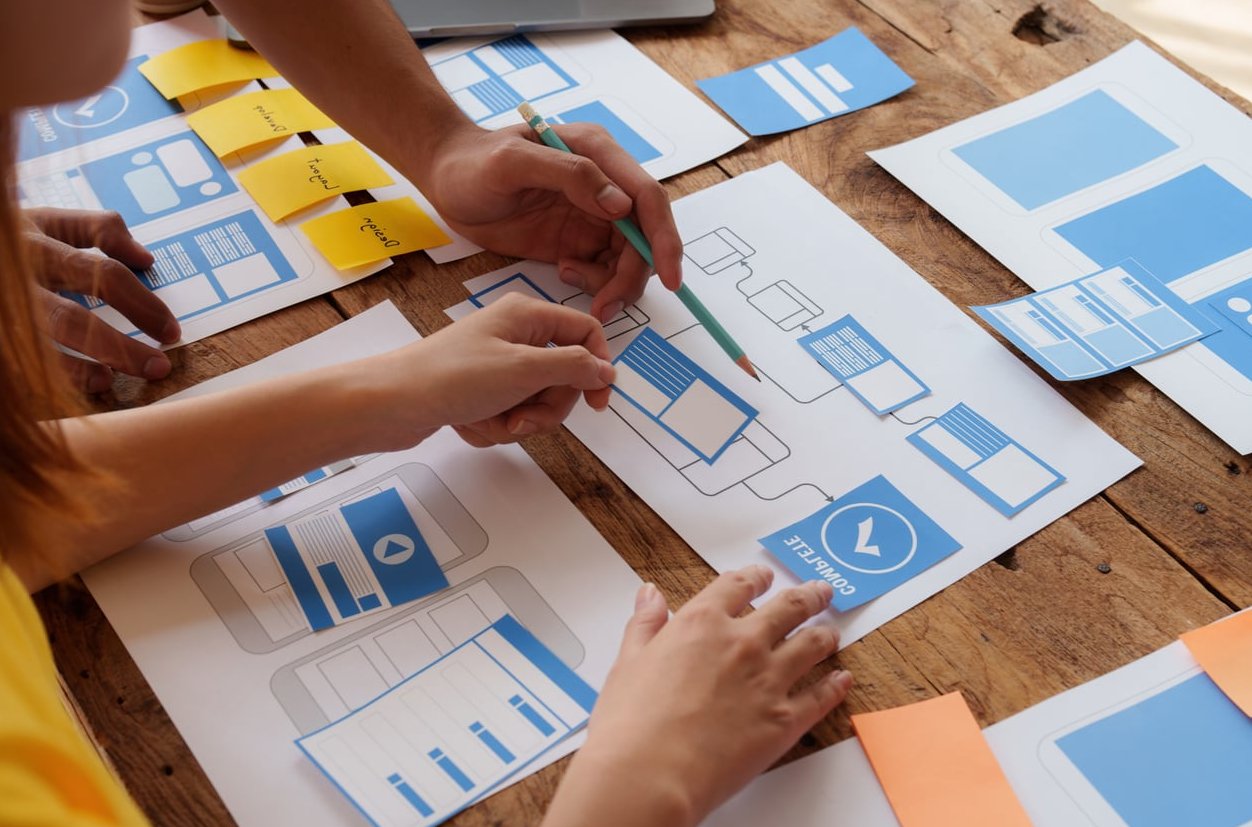
Sketch the new sitemap before the design phase. Keep navigation depth to three clicks maximum to any important page. Decide now whether you need new pillar pages, a blog restructure, or a streamlined service section.
11. Choose the Right Tech Stack
Will you stay on WordPress? Move to a headless setup? Switch to Webflow or a static HTML5 build? Consider:
- Who will maintain the site
- Hosting cost and performance
- Required integrations (CRM, email, payment)
- Future scalability
12. Set Performance and Core Web Vitals Targets
Decide upfront what “fast” means. Reasonable targets in 2026:
| Metric | Target |
|---|---|
| Largest Contentful Paint (LCP) | Under 2.5s |
| Interaction to Next Paint (INP) | Under 200ms |
| Cumulative Layout Shift (CLS) | Under 0.1 |
13. Plan for Accessibility From Day One
Accessibility is no longer optional. Confirm your redesign will respect WCAG 2.2 standards: sufficient color contrast, alt text on images, keyboard navigation, readable font sizes, and proper heading hierarchy.
14. Define Conversion Goals and Tracking
List every conversion you want to track: form submissions, calls, downloads, newsletter signups, purchases. Plan how each one will be tracked in GA4 and your CRM before launch, not after.
15. Prepare a Launch and Post-Launch Checklist
Before going live, confirm:
- Staging site is hidden from search engines
- All redirects are tested
- XML sitemap is updated and submitted
- robots.txt allows crawling
- Analytics and tag manager are firing correctly
- Contact forms, checkout, and key CTAs work on mobile and desktop
- Backup of the old site is safely stored

Common Mistakes Small Business Owners Make
- Falling in love with design trends instead of focusing on conversions
- Removing pages that bring in steady organic traffic
- Forgetting redirects from old URLs to new ones
- Skipping mobile testing until the very end
- Launching on a Friday (please, do not)

Quick Summary Table
| Phase | Key Actions |
|---|---|
| Strategy | Define goals, audience, competitors |
| Audit | Content, analytics, backlinks, keywords |
| Branding | Logo, colors, typography, tone |
| Technical | Stack, performance, accessibility, tracking |
| Launch | Redirects, sitemap, QA, monitoring |

Frequently Asked Questions
How long does a website redesign usually take?
For a small business site of 10 to 30 pages, expect 6 to 12 weeks from kickoff to launch, including strategy, design, development, and QA. Larger or custom builds can take 4 to 6 months.
Will a redesign hurt my SEO?
Not if you follow this checklist. The biggest SEO drops happen when redirects are missing, content is removed without analysis, or page titles and headings are rewritten without keyword planning.
Should I redesign or rebuild from scratch?
If your site is on outdated technology, has security issues, or cannot be updated easily, rebuild. If the structure is healthy but the look and feel are tired, a redesign on top of the existing platform is usually faster and cheaper.
How often should I redesign my website?
A major redesign every 3 to 5 years is healthy. Between major overhauls, small iterative updates to specific pages and components will keep the site fresh without disrupting performance.
What is the most overlooked step in a website redesign?
Building a complete URL redirect map. It is unglamorous, time consuming, and the single biggest factor in protecting your SEO during a relaunch.
Ready to Start Your Redesign the Right Way?
A website redesign is a major investment of time, money, and brand equity. The 15 steps above are designed to make sure that investment pays off. Work through them in order, document your findings, and only then start sketching the new design.
If you want help moving from an old, slow site to a fast, modern HTML5 build, that is exactly what we do at 5stepstohtml5.com. Get in touch and we will walk you through your own pre-redesign audit.